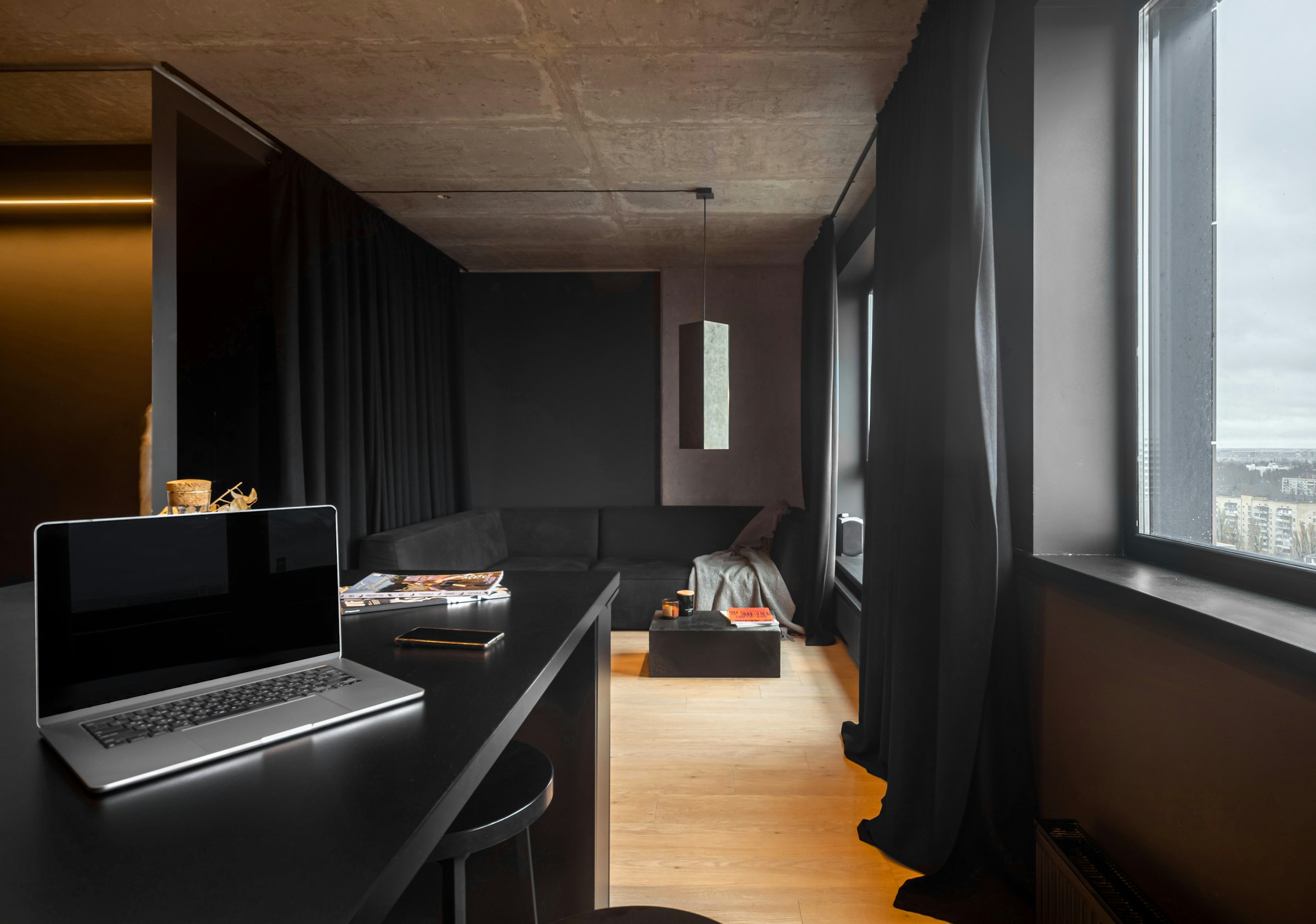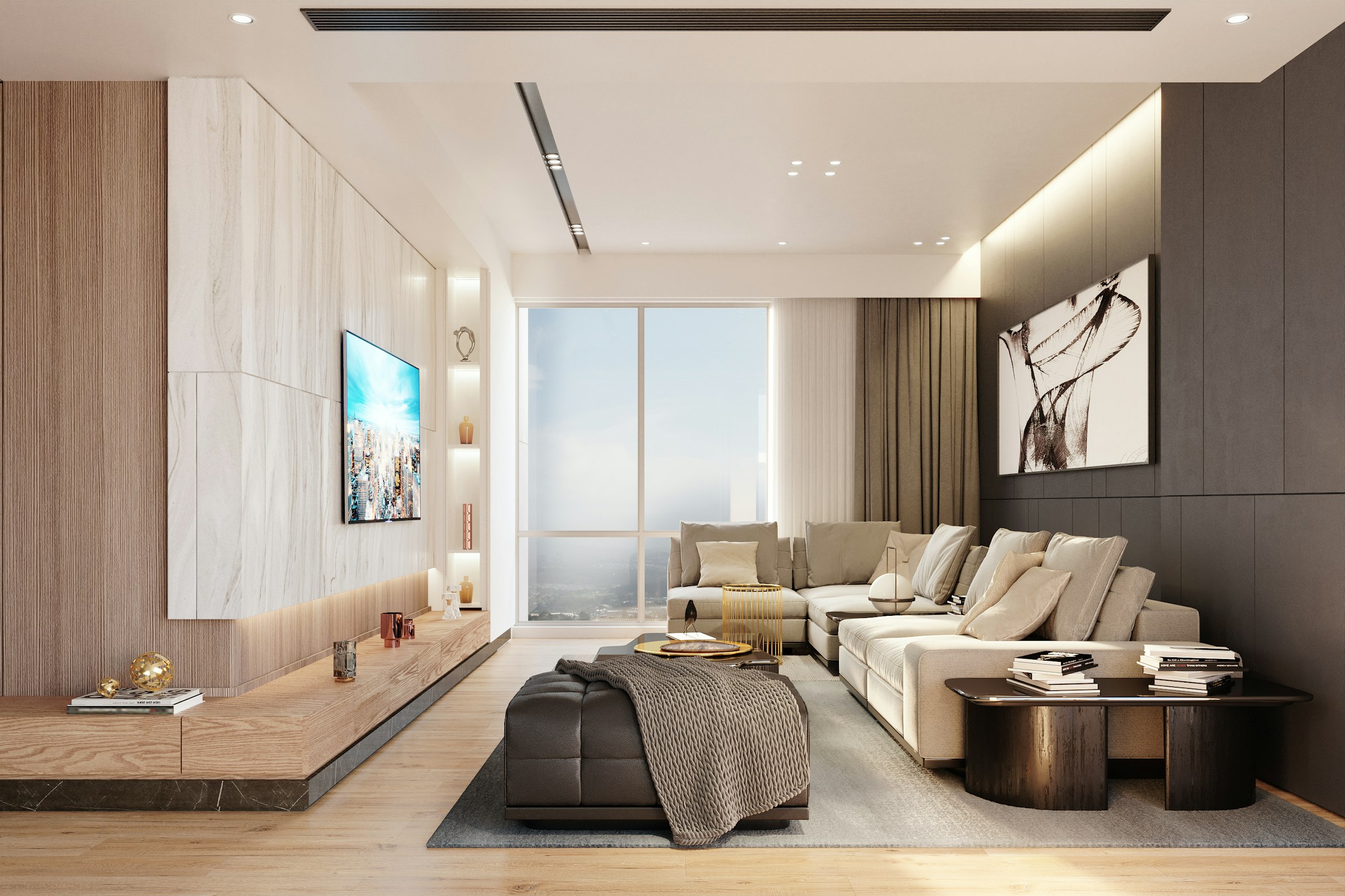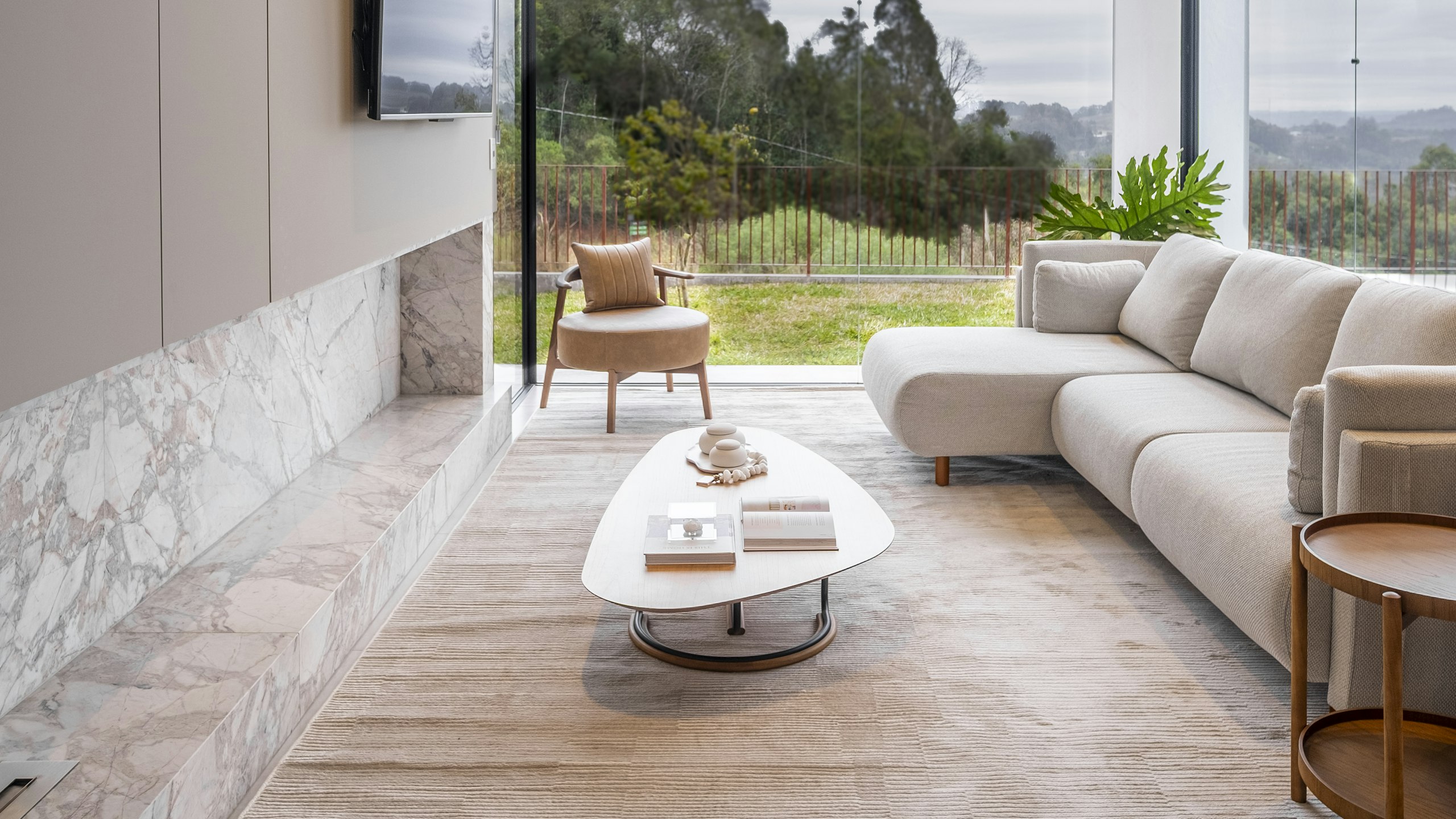
Now in beta · Yerevan, Armenia

Design,
visualize, sell —
without limits.

NEK is a desktop platform for interior designers, architects, and realtors. Build floor plans, walk them in cinematic 3D, sync everywhere, sell faster.

Builder
Plan & design with AI
Viewer
Cinematic real-time 3D
Cloud
Sync · Share · Present
Download for desktop
Free trial No credit card macOS · Windows
NEK · Project Studio
Live
LIVING 28 m² KITCHEN 14 m² BEDROOM 16 m² BATH 6 m² 11.2 m
Imported from PDF · Walls & rooms detected
Oak Floor Linen Steel ✦ AI suggestions 12 floors
Materials, lighting, finishes · AI helps you decide
FPS62.4
RENDERERLumen GI
SUN17:42
Real-time UE5 · Photoreal · 60 FPS on your machine
grandshin.am/apartment-12 Walk through this apartment → Apartment 12B Northern Avenue · 84 m² $184,000 2 bed · 1 bath · 9th floor Book a viewing CONTACT AGENT Name Email
Embed on your listings · CRM-ready leads · Share via link
Why NEK

Faster than a render farm. Sharper than a brochure.

Three things NEK does that your current toolchain can't.

From plan to client

What used to take three weeks now takes three hours.

Skip the render farm. NEK renders cinematic 4K scenes in real time on your machine. Iterate live with the client in the room — no more "I'll send you a new render Tuesday."

Traditional
3W
3 weeks
With NEK
3H
3 hours
Cinematic quality

UE5 photoreal, real-time.

Lumen global illumination. Nanite geometry. The same engine behind feature films — running smoothly on your laptop.

60fps
Conversion lift

Buyers who walk the space sign 2.4× more often.

Embed 3D viewers on listings. Run live tours. Show, don't tell.

The platform

Three modules. One continuous workflow.

Build in the desktop app. View it in cinematic real time. Sync everything to the cloud. Each module is purpose-built — together they replace your entire visualization stack.

AI Design built in

Builder

Where designers create. 2D floor plan editor with live 3D preview — walls, openings, finishes, electrical, lighting. AI Design recognizes floor plans from PDFs, auto-furnishes rooms, and suggests materials.

PDF · JPG · BIM import 2D + live 3D AI floor plan recognition Auto-furnish Style transfer
/
+
SCALE 1:50 · 84 m²
LIVING · 24m² KITCHEN BEDROOM BATH ✦ AI: 3 layouts found 12.4 m

Viewer

Where buyers experience the space. Real-time walkthrough on the actual location. Day/night cycle, swap materials, fabrics, lighting. Cinematic UE5 at 60 FPS.

Real-time UE5 Lumen GI Day · Night Material swap
LIVE · 62 FPS

Cloud

Where your work lives. Projects synchronized across devices. Open in the studio, continue at home, present from the gallery. Share via private link.

Cross-device sync Version history Private sharing
DESKTOP GALLERY MOBILE
The workflow

Plan. Design. Visualize. Experience.

The four words that describe everything NEK does. Start with a blank canvas. Finish with a buyer walking through their future home.

01
In Builder

Plan

Start from a PDF, JPG floor plan, BIM file, or sketch by hand. Builder snaps walls to your scale, recognizes rooms, and lets you adjust openings and dimensions in 2D — with a 3D preview always live.

PDF, JPG, or BIM import — AI auto-detects walls and rooms
Set scale, ceiling height, units in seconds
2D editor with live 3D preview side-by-side
02
In Builder with AI Design

Design

Add finishes, furniture, lighting, plumbing, electrical. AI Design suggests material palettes from reference images, auto-furnishes rooms in your chosen style, and lets you compare variants side-by-side.

Drag-and-drop furniture from premium catalogs
AI suggests styles, materials, and lighting moods
One-click variant comparison — try ten ideas before lunch
03
In Viewer

Visualize

Open the project in Viewer for cinematic real-time rendering. Walk the space first-person. Toggle day, sunset, night. Swap fabrics and finishes live. UE5 Lumen GI, Nanite geometry, 60 FPS on your machine.

First-person walkthrough on actual location
Day / sunset / night cycle with one click
Cinematic camera, screenshot, and video capture
04
Through Cloud

Experience

Publish to your real estate website with an embeddable 3D viewer. Share private review links with clients. Run a kiosk in your sales gallery. Every project syncs across desktop, web, and mobile.

Embed a lightweight 3D viewer on any listing page
Private review links with client comments
Kiosk mode for sales galleries · CRM webhooks
Pricing

Three ways to start.

Try NEK free. Upgrade as you grow. Scale to enterprise — including in-person training for your team.

Free

Try the platform end-to-end. No credit card required.

$0 forever
  • Builder + Viewer (limited)
  • 1 active project
  • 1 GB cloud storage
  • Standard library
  • NEK watermark
  • AI design assistant
  • Web embed

Enterprise

For studios and developers running NEK at production scale.

$5,000 / month
Includes on-site team training We come to your studio and train your designers in person. Full app access for every team member.
  • Everything in Individual
  • 100 projects per month
  • Unlimited team seats
  • White-label branding
  • Pixel Streaming
  • Dedicated GPU + SLA
Learn NEK

Tutorials made for real designers.

Short, practical lessons. Watch one, apply it, ship better work the same day. New videos every week.

8 min · Free
Start Here

Your first project in 8 minutes

From blank canvas to finished walkthrough. Walls, materials, lighting, render — every step you need to ship your first NEK project today.

Beginner friendly No prior 3D experience needed Free for everyone
Builder Intermediate

Importing a PDF floor plan

12 min
Viewer Intermediate

Lighting moods that sell apartments

15 min
AI Design Beginner

Auto-furnish a room with one prompt

6 min
Materials Advanced

Building a custom material library

22 min

Start designing without limits.

Subscribe to NEK or download the desktop app. Free trial — no credit card required.